
Reports
/platform/reports is where you see how the salon is actually doing — not
the feel, the numbers.
Date range
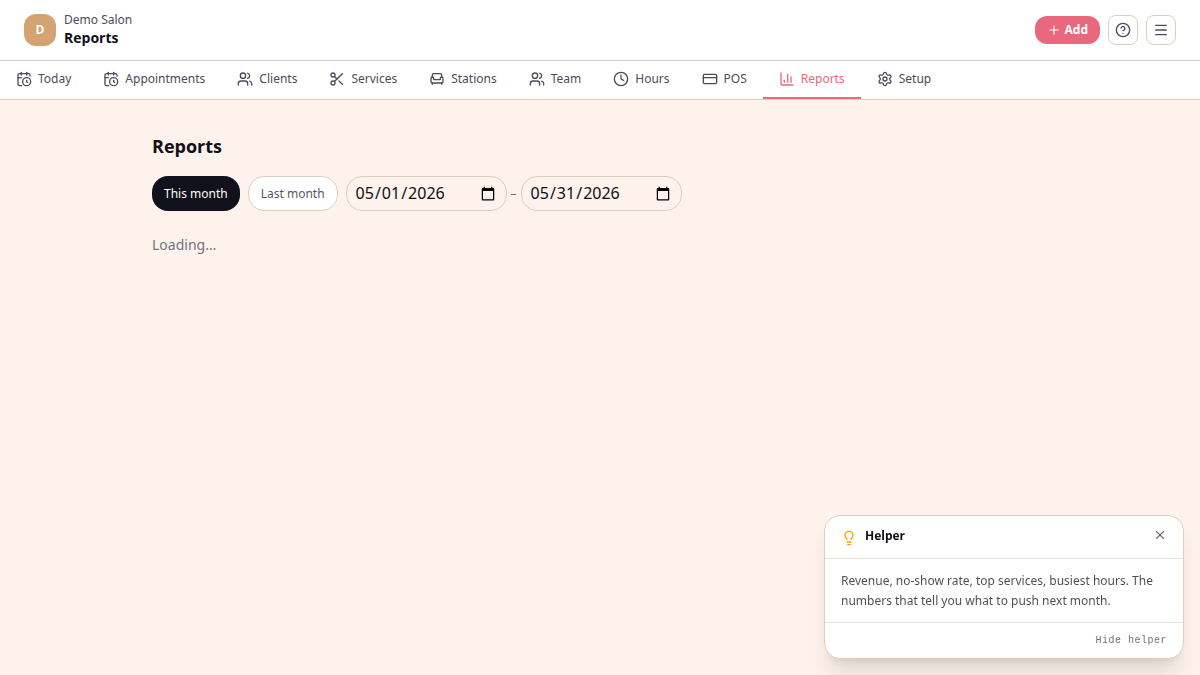
Section titled “Date range”Pick This month or Last month with the quick chips, or set custom from / to dates. Everything below the date picker recalculates the moment you change the range.
What’s on the page
Section titled “What’s on the page”- Revenue cards — total revenue, discounts given, total appointments (with completed split out), no-shows (with percentage).
- Payment methods — total taken by Cash / Card / EFT for the range. Useful for end-of-period bank reconciliation.
- By team member — appointment count + completed count per practitioner. Drives commission calculations.
- Busiest days (90 days) — a small bar chart of the top weekdays for bookings, so you can plan staffing.
- Re-engagement panel — clients who haven’t been in for 8+ weeks, with a per-client WhatsApp button. See Re-engagement for more.
Export CSV
Section titled “Export CSV”A small Export CSV link sits at the bottom right of the page. It downloads the current date-range as a spreadsheet — useful for bookkeepers, SARS, or for a quick pivot in Excel. Export is available on every plan.
What’s not on Reports today
Section titled “What’s not on Reports today”- End-of-day close with cash-drawer reconciliation — not yet built
- Service-mix / retail breakdown — not yet built (the products module is a stub)
- Tabs for Day / Week / Month / Stylist / Service mix / Clients — the page is a single date-range view; no tab layout
See also
Section titled “See also”- Plans
- Complete and invoice — what feeds the reports