
Stations
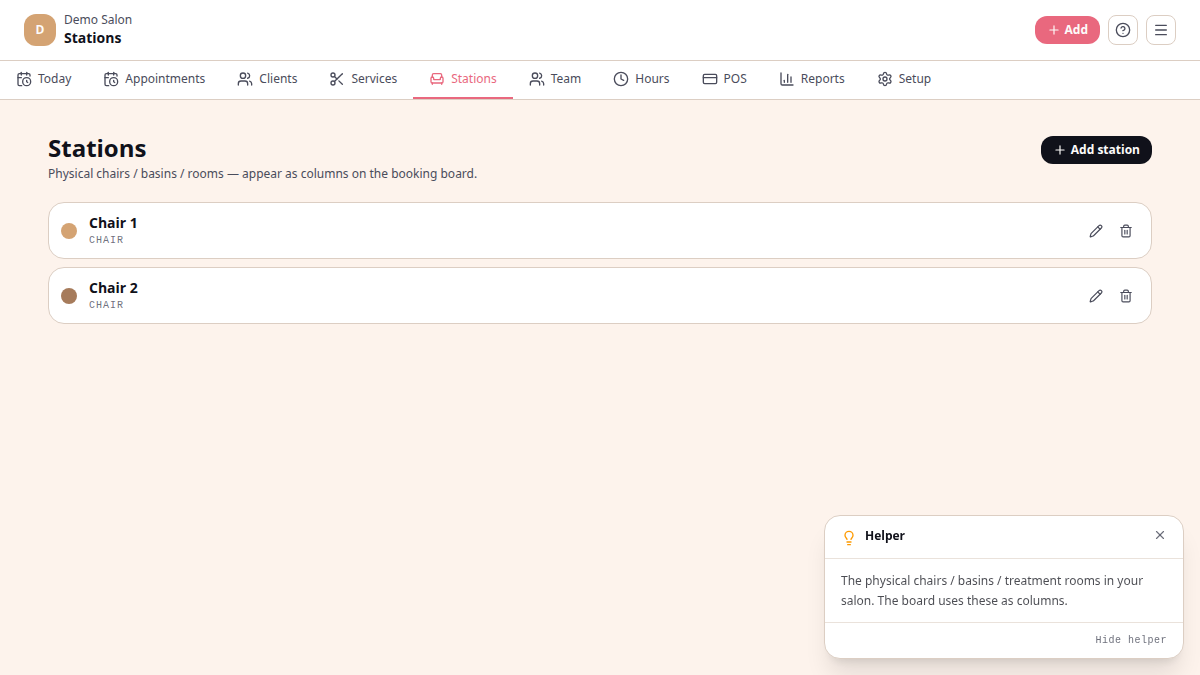
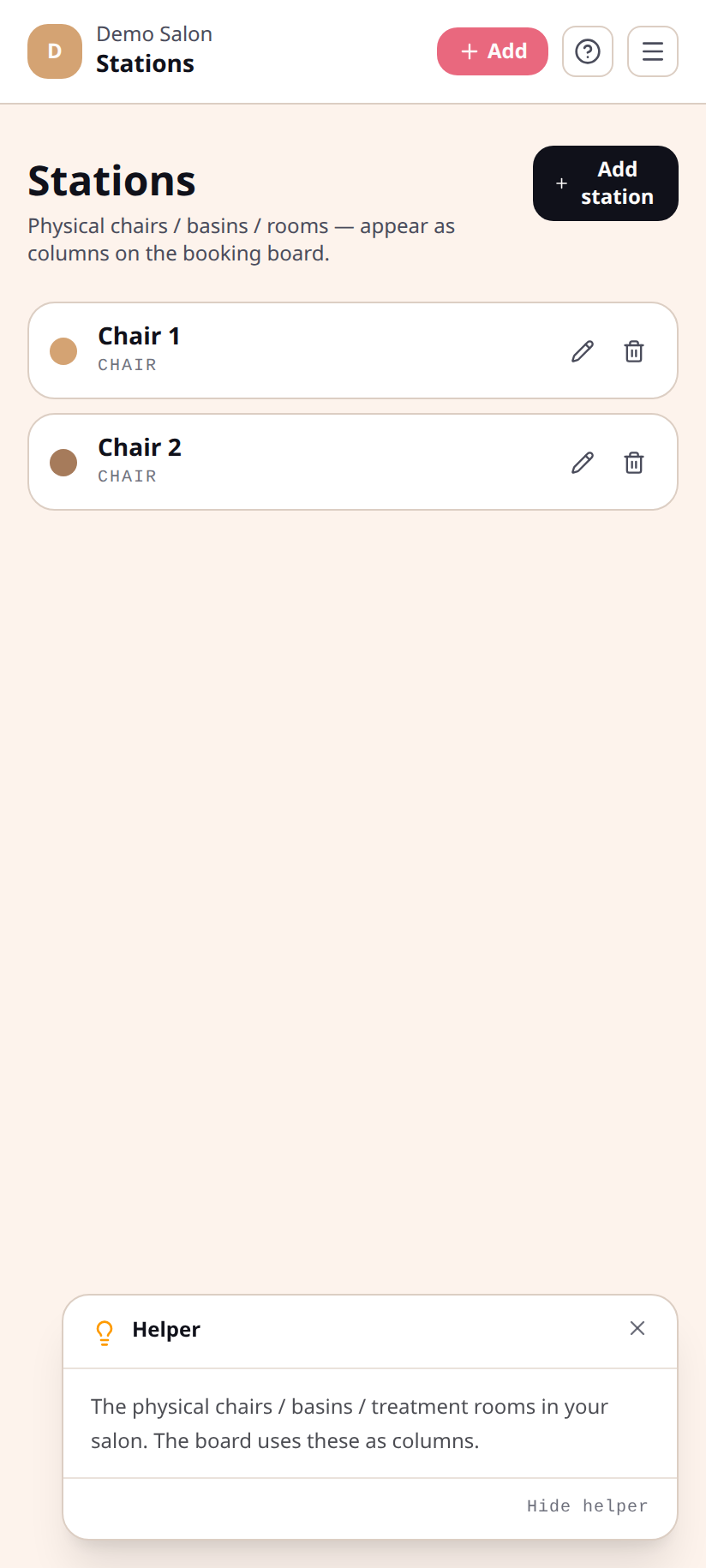
A station is a physical place where a service happens — a chair, a wash basin, a treatment room, a nail station. Stations matter because the board can show one row per station (Resources view), and the system won’t double-book the same physical spot.
What a station has
Section titled “What a station has”- Name — “Chair 1”, “Basin A”, “Pedi Bay” — whatever you call it on the floor
- Type — Chair, Wash basin, Treatment room, Nail station, or Other
- Colour — a swatch used in lists and on the board
- Active — when off, the station is hidden from booking but past appointments stay linked
Add a station
Section titled “Add a station”/platform/stations→ tap + Add station.- Fill in name + type + colour.
- Save. It appears on the board’s Resources view immediately.
Stations + phase recipes
Section titled “Stations + phase recipes”The Resources view of the board really shines when paired with
service phase recipes. A colour
service whose recipe goes basin → chair → basin → chair shows a separate
block in every lane it touches, so you can see at a glance which basin and
which chair are busy when.
Hiding a station
Section titled “Hiding a station”Tap a station → Hide. The station turns inactive, hidden from new bookings, but past appointments still reference it. Re-enable any time.