
Team
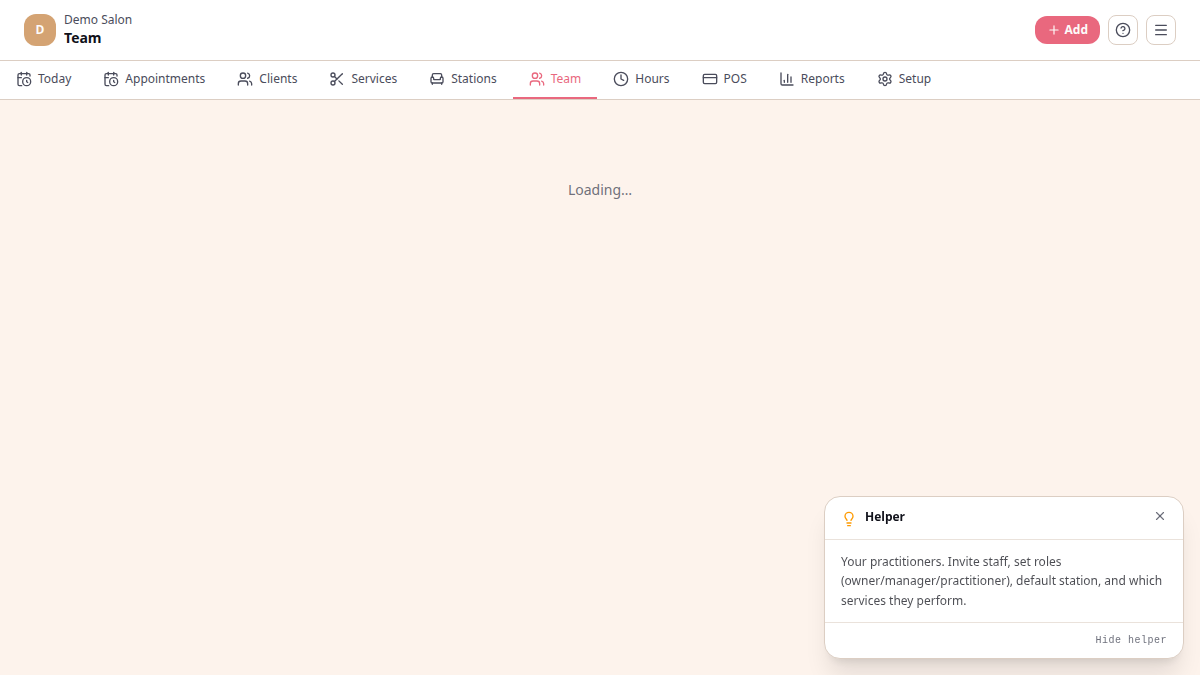
The team at /platform/team lists the people who work at your salon,
studio, or spa. There are two distinct things going on this page: the
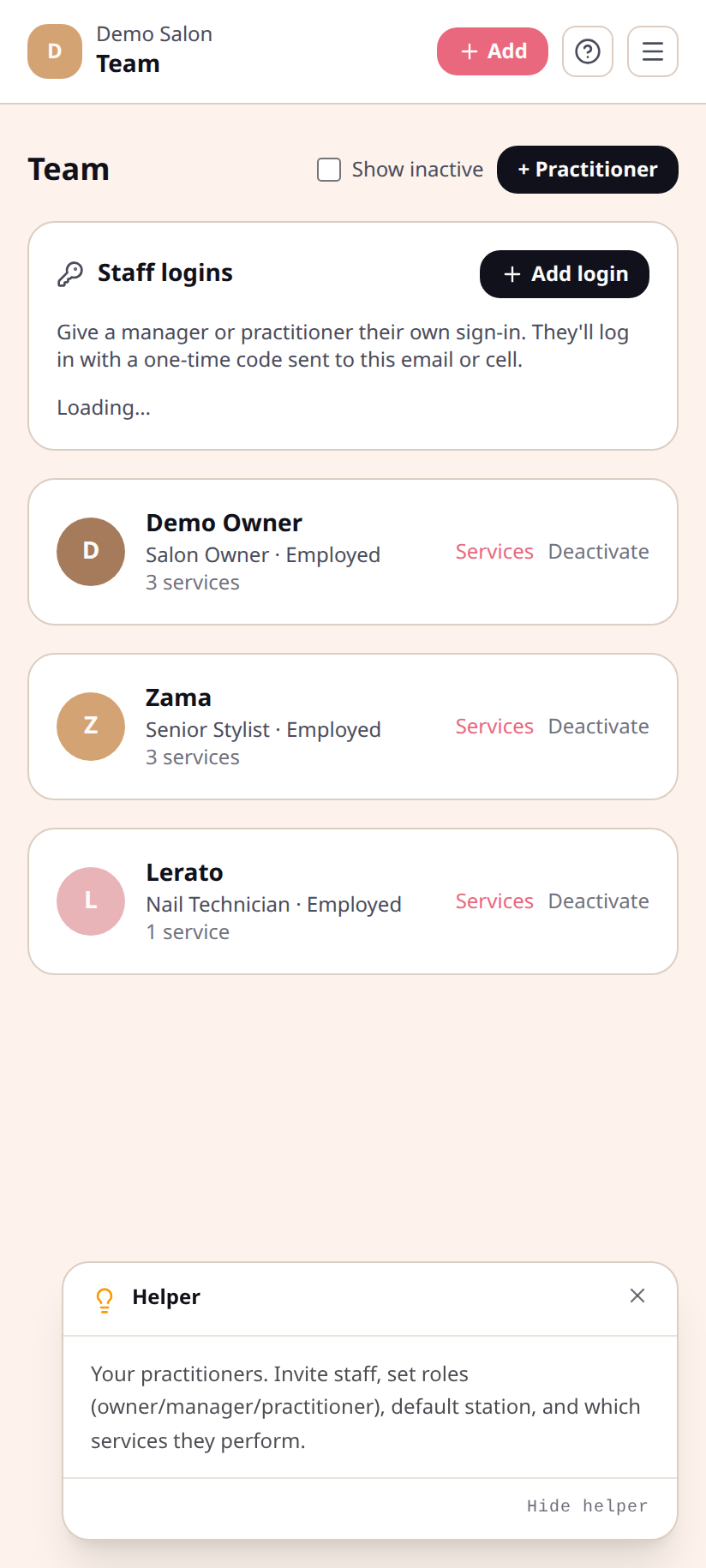
Practitioner roster (who works the floor) and the Staff logins
panel (who can sign in to the platform).
| Role | What they can do | |---|---| | Owner | Everything. Billing, plan changes, full settings. One per salon. | | Manager | Everything except billing and salon deletion. | | Practitioner | Sees the board and their own clients; checks in and completes bookings. |
Add a practitioner (the roster)
Section titled “Add a practitioner (the roster)”A practitioner is someone who appears on the board — they don’t have to be someone who logs in. Use the + Practitioner button (top-right).
- Tap + Practitioner.
- Fill in full name, title (e.g. “Senior Stylist”, “Massage Therapist”), and pick a colour.
- Pick employment type — Employed, Freelance, or Chair Rental. For chair rental, set the rental amount and period. For employed or freelance, set a commission percentage if you track commission.
- (Optional) pick a default station (their usual chair).
- Tick the services they can perform — only these show as options for them in the booking flow.
- Save.
Add a staff login
Section titled “Add a staff login”A login is what lets someone actually sign in. Open the Staff logins panel (below the practitioner roster) and tap + Add login.
- Tap + Add login.
- Enter full name, email or cell, and pick a role (Practitioner or Manager).
- Save. They can now sign in with a one-time code at
yoursalon.chairtime.co.za/login.
What a practitioner sees on their phone
Section titled “What a practitioner sees on their phone”There is no separate mobile app — everyone uses the same board. A practitioner logged in with the practitioner role sees the full salon board (Staff or Resources view), can open any appointment, and can run through Arrived → In progress → Done. Billing, team settings, and other practitioners’ client notes are gated to manager and owner.
Remove a practitioner
Section titled “Remove a practitioner”Tap Deactivate beside them. Their bookings stay in history; they no longer show on the booking flow. To remove their login too, hit Disable in the Staff logins panel.