
Upgrade or downgrade
You manage your subscription at /platform/billing. Each plan appears as a
card; tap the Choose [Plan] button on the one you want and PayFast
handles the rest.
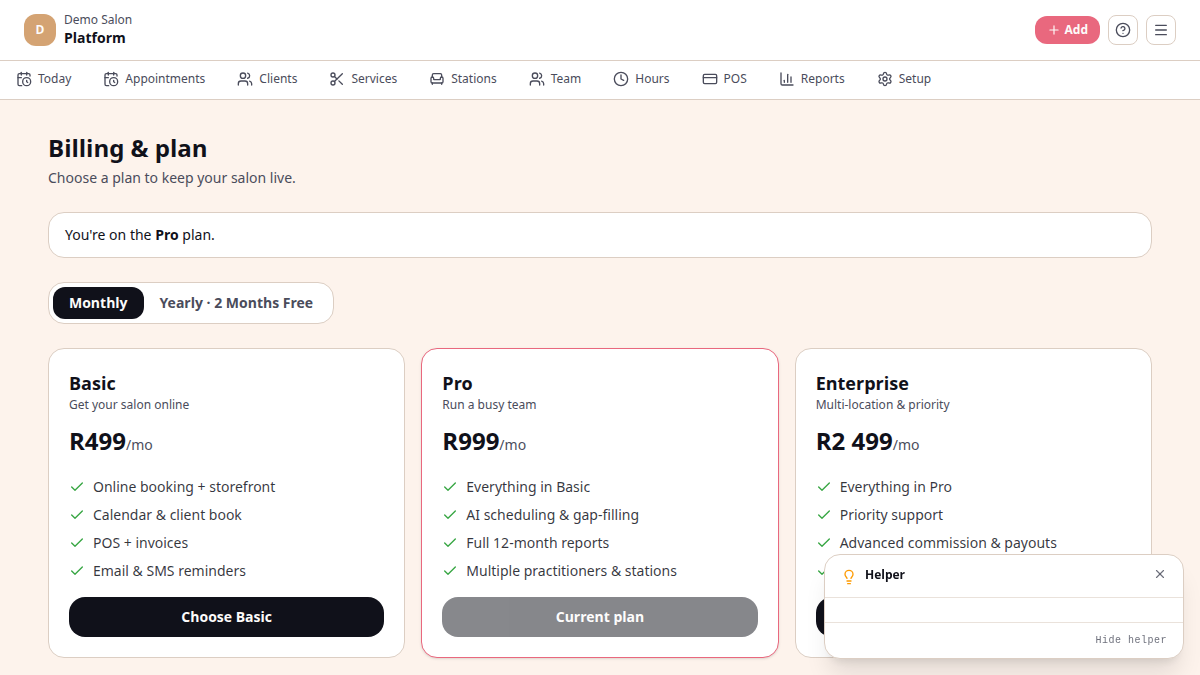
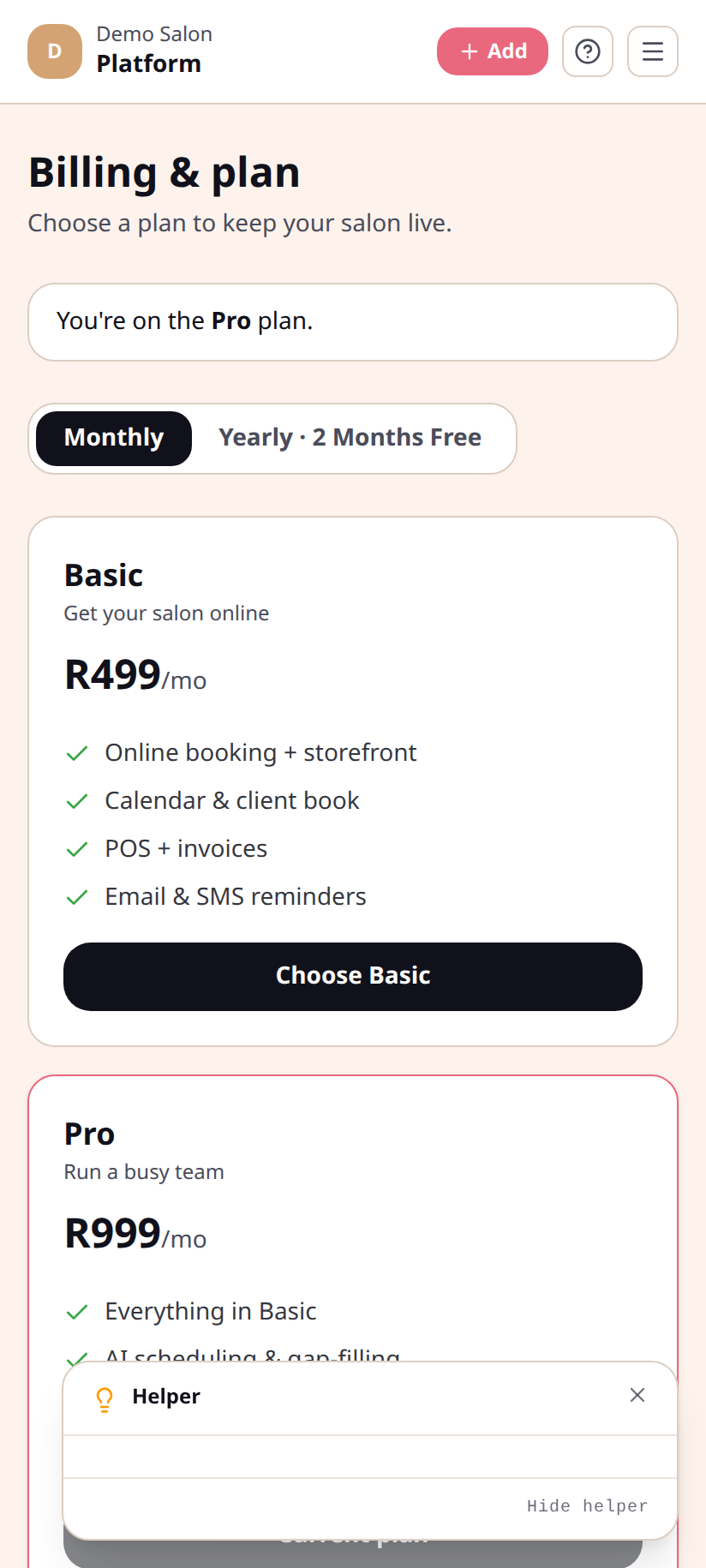
Choose a plan
Section titled “Choose a plan”/platform/billing.- Use the Monthly / Yearly toggle to pick a billing period. Yearly is labelled 2 months free.
- Tap Choose Basic / Pro / Enterprise on the card you want.
- PayFast opens — pay by card or recurring EFT. On success you return to
/platform/billing?paid=1and your plan activates within a moment.
Switching plans
Section titled “Switching plans”To move to a different plan (up or down), just tap Choose [Plan] on the new card. PayFast starts a new subscription on the new plan. Your previous subscription is replaced — the new plan’s features take over immediately.
Switch monthly ↔ yearly
Section titled “Switch monthly ↔ yearly”Toggle to Yearly, then tap Choose [Plan] again. Yearly subscriptions are billed up front and save you two months of the monthly price.
What’s not in /platform/billing today
Section titled “What’s not in /platform/billing today”The billing screen shows your current plan, your trial end date if you’re still on the trial, and the three plan cards. The following are not yet in the UI:
- One-tap downgrade or cancel — to step down or cancel, contact
hello@chairtime.co.za - Pro-rated mid-period upgrades — switching plans starts a new PayFast subscription rather than crediting unused days
- Invoice history — coming
After cancellation
Section titled “After cancellation”When you stop your subscription, online bookings pause and the platform moves to read-only. Your data is retained for 30 days so you can export it or come back. After that, it is permanently deleted.
See also
Section titled “See also”- Plans — what’s in each
- Online payments