
Complete and invoice
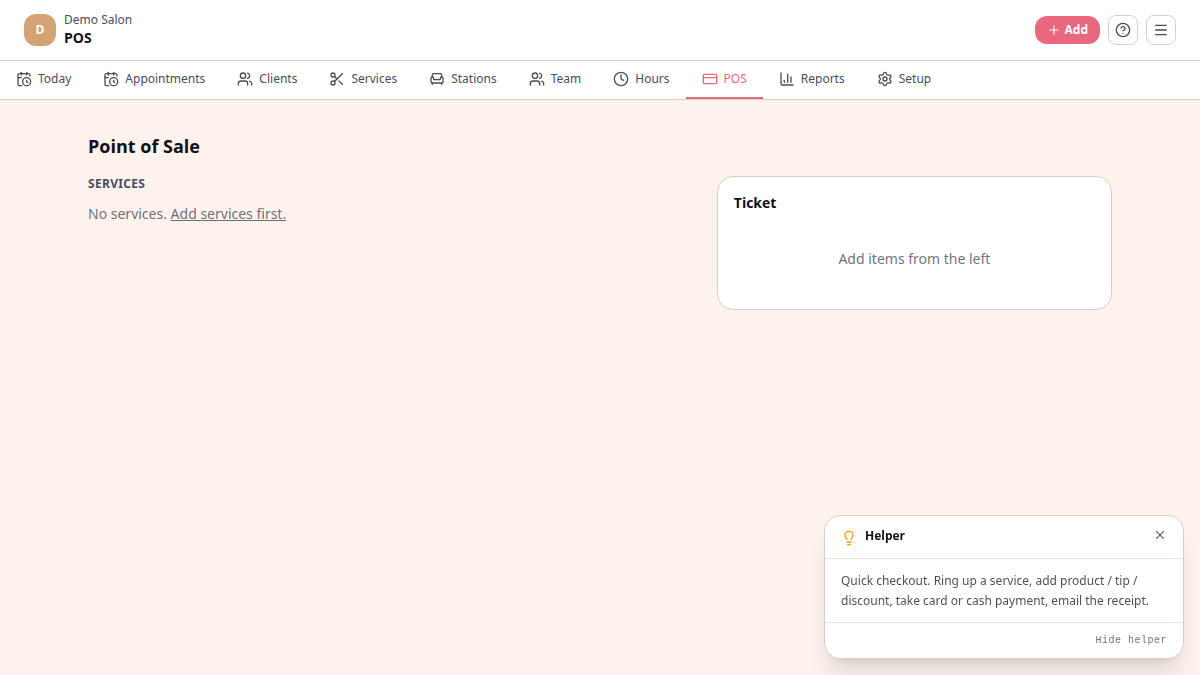
Chairtime has a built-in point-of-sale at /platform/pos. It lives next to
the board so the same tablet doubles as till and diary. When you mark a
booking Done on the board, a Checkout button appears that takes you
to the POS with the services pre-filled.
Ring up a sale
Section titled “Ring up a sale”-
From the board, tap the appointment when the client is done and tap Mark Done. Then tap Checkout.
-
The POS opens with the service(s) pre-filled. Add another service if the client is upgrading; tap the ✕ next to a line to remove it.
-
Apply a discount — quick buttons for 0%, 10%, 15%, 20%. The discount line shows on the ticket so the client sees the value.
-
Pick a payment method. Three buttons: Cash, Card, EFT. This is single-method — pick the one the client paid with.
-
Tap Charge R{total}. Chairtime saves the sale, generates an invoice number, and the booking is closed out.
What the client gets
Section titled “What the client gets”The sale is recorded against the booking and shows up in Reports immediately. The receipt sits on the salon’s records — no automatic SMS / email receipt is sent today.
On payment methods
Section titled “On payment methods”The POS records the method you choose so your end-of-period reports break down cash vs card vs EFT, but it does not process the payment itself:
- Cash — you take the notes, you put them in the drawer.
- Card — you swipe / tap on your own card machine (Yoco, iKhokha, your bank’s machine).
- EFT — the client transfers from their phone. Confirm in your banking app before letting them walk.
What’s not in the POS today
Section titled “What’s not in the POS today”- No retail products, barcodes, or stock tracking (the products module is a stub for now)
- No split payment across methods
- No tip splitting or stylist tip allocation
- No refunds via the POS — handle returns offline for now