
Working hours
Hours at /platform/hours control when bookings are allowed. Each
practitioner has their own weekly schedule. The storefront only offers
slots when at least one practitioner is working.
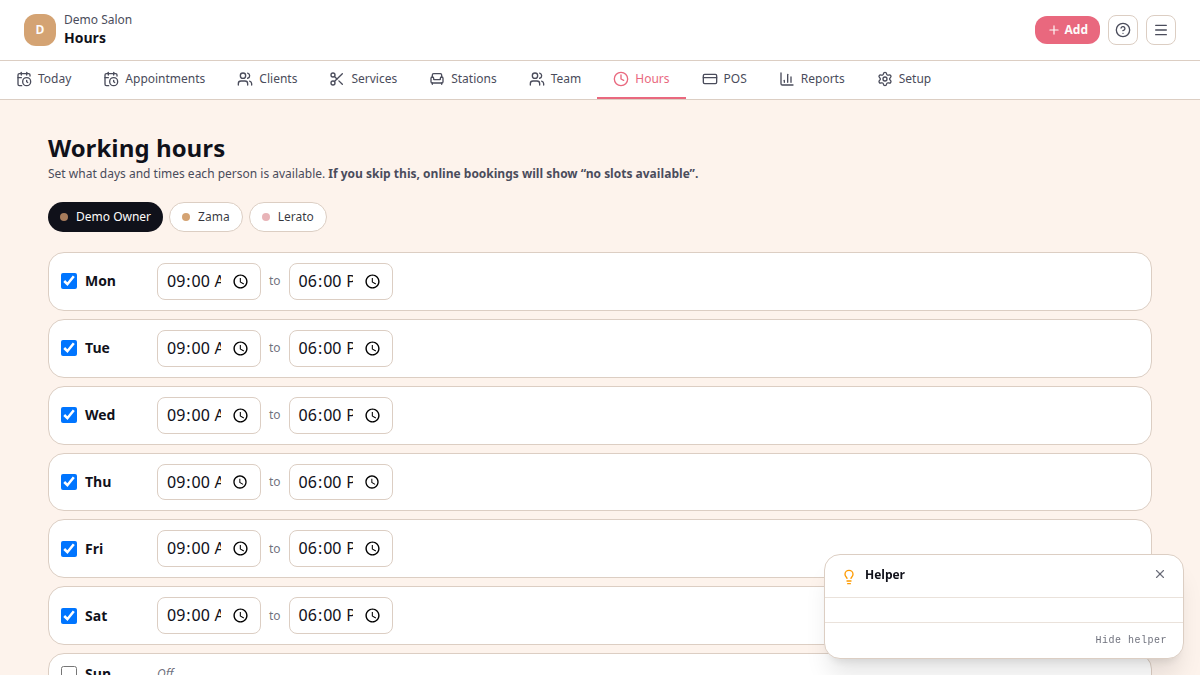
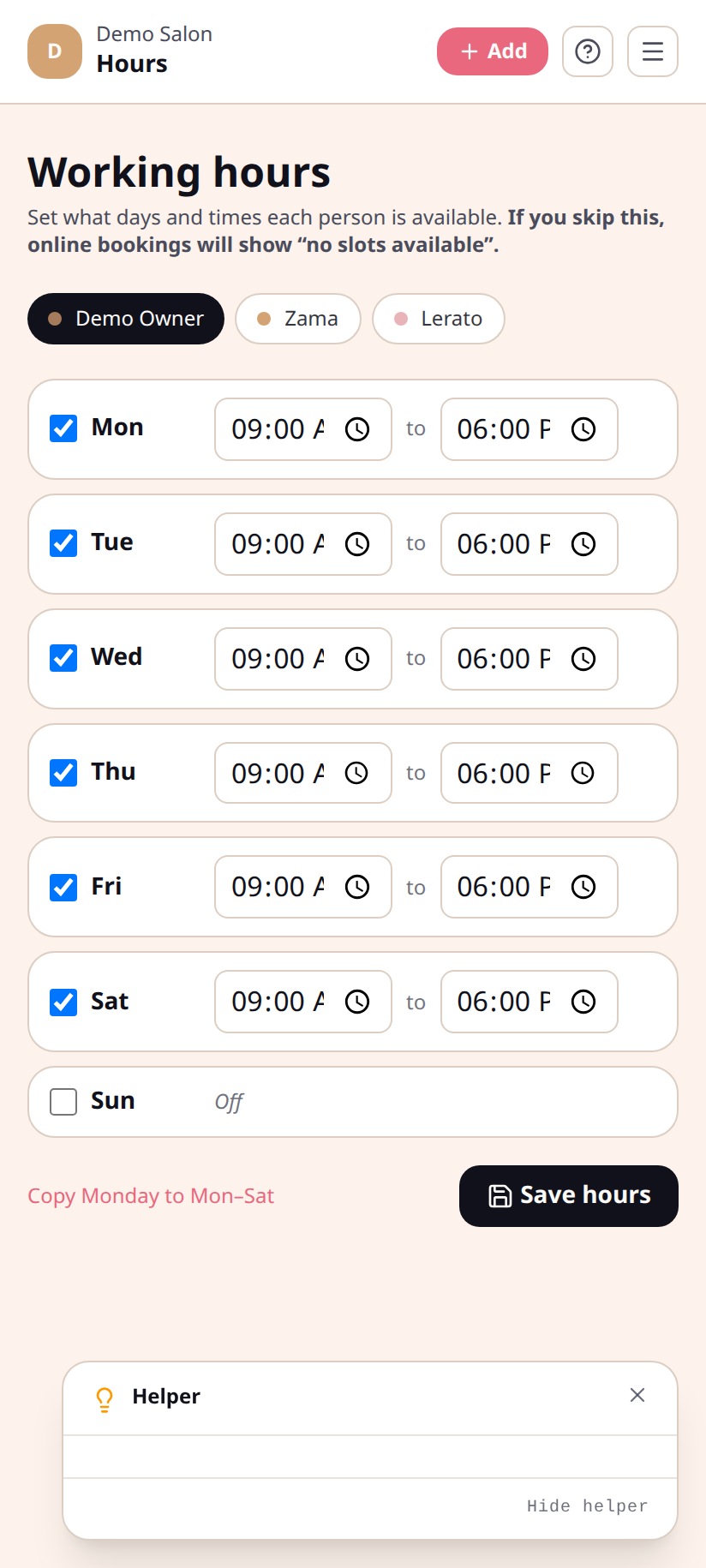
Per-practitioner only
Section titled “Per-practitioner only”There are no salon-wide hours — every practitioner sets their own. If you’re a solo operator, that’s just your row. If you’re a team, switch between people using the chip-row above the day list.
Set hours
Section titled “Set hours”/platform/hours→ pick the practitioner.- For each day Mon–Sun, tick the box if they work that day, then set start and end times.
- (Optional) tap Copy Monday to Mon–Sat to fill the rest of the week with the same hours.
- Save hours.
If a practitioner doesn’t have hours saved at all, the booking flow defaults to a Mon–Sat 09:00–17:00 window but will not actually accept a booking against them until you save real hours. If the storefront says “no slots available”, check the hours page first.
Booking-window rules
Section titled “Booking-window rules”Hours say when the salon is open. Three other settings in Setup → Booking control how far ahead and how late a client may book:
- Min advance hours — earliest a client may book (e.g. 2 hours from now)
- Max advance days — furthest ahead they may book (e.g. 60 days out)
- Cancellation notice hours — how late they may cancel without penalty
What’s not in Hours today
Section titled “What’s not in Hours today”- One-off closures (public holidays, Christmas break) — not yet implemented. For now, the workaround is to un-tick that day temporarily.
- Buffer time between appointments — not implemented. The schedule packs slot-to-slot.
See also
Section titled “See also”- Team — add practitioners first
- Branding & setup — booking window + cancellation rules