
Take a booking
There are two ways a booking lands on the board:
- You take it when the phone rings or a regular pops in — via Quick Capture.
- The client books online through your storefront link.
This page covers both.
Phone-call booking — Quick Capture
Section titled “Phone-call booking — Quick Capture”-
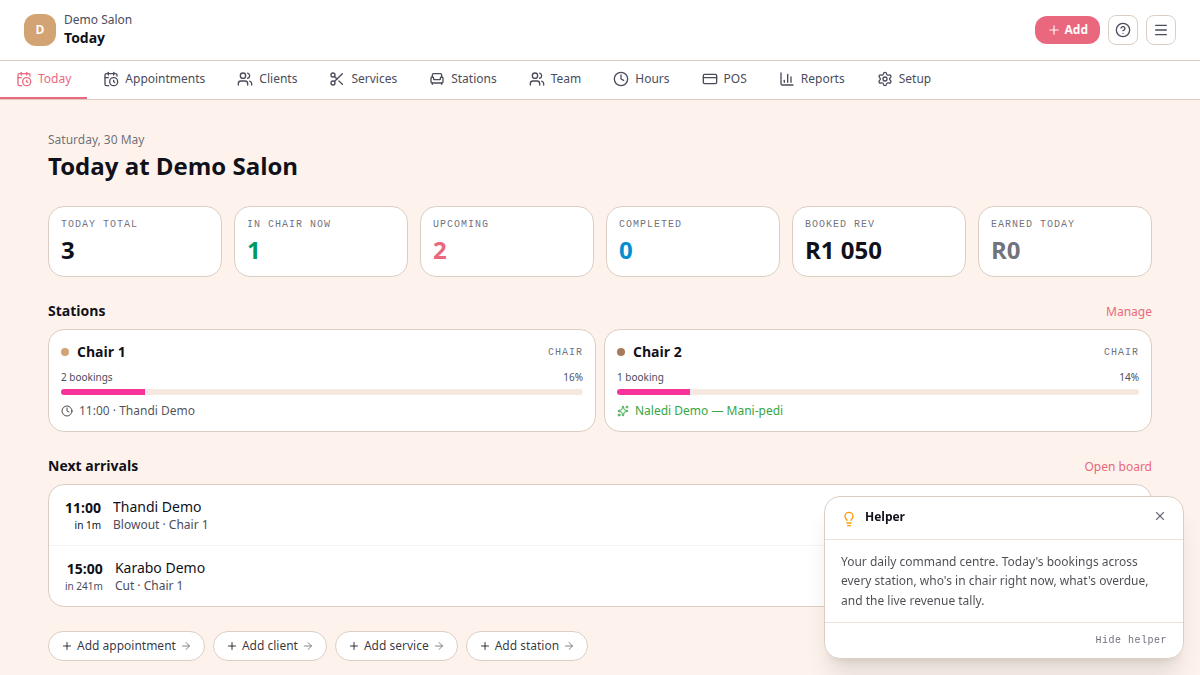
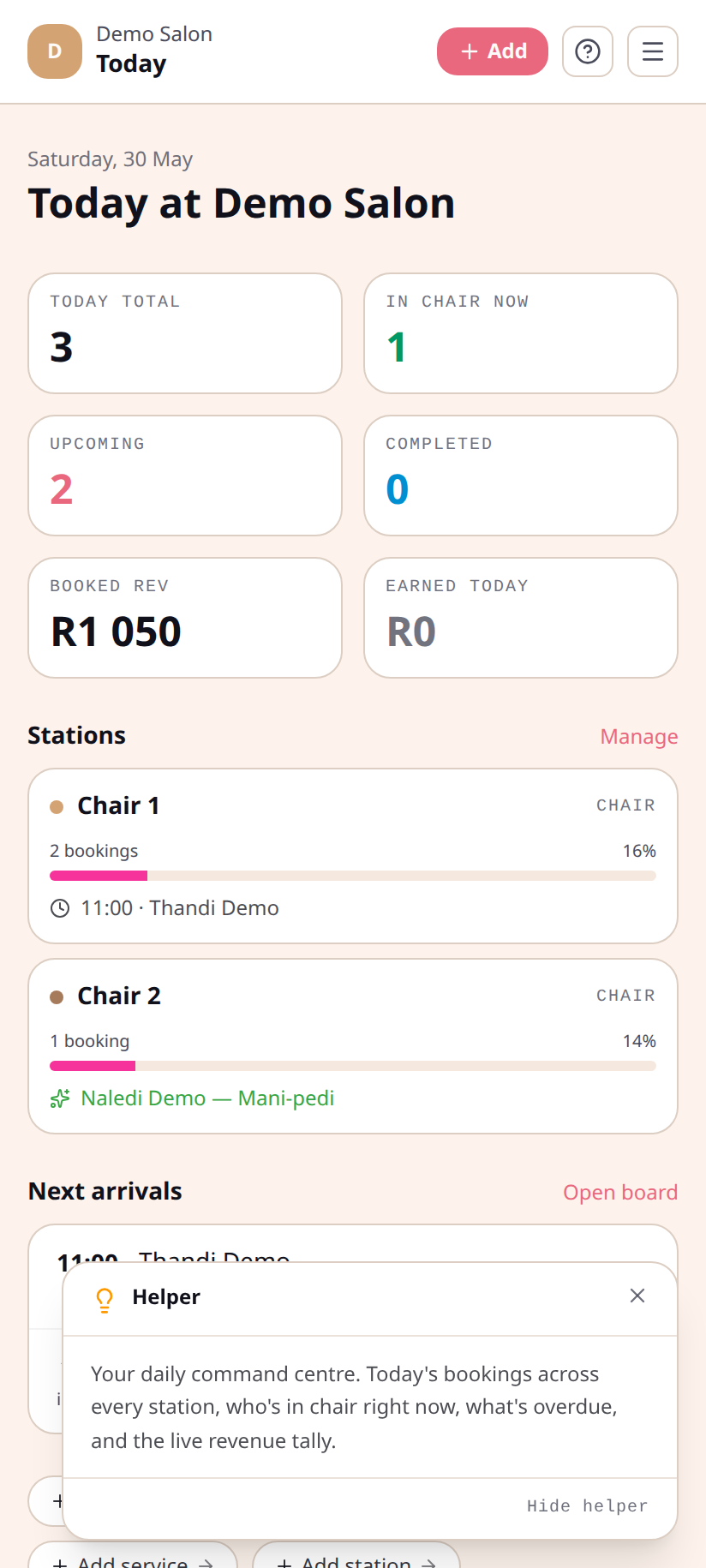
From the board, tap + New (top-right).
-
Pick the client. Start typing — existing clients autocomplete with their cell and email. New client? Tap + New client and add a first name and cell. Walking-in stranger? Leave the field blank.
-
Pick a service. The form shows duration and price.
-
Pick a practitioner + time. The picker offers practitioners who can perform that service.
-
Tap Book. Done. The booking lands on the board and the client receives an email confirmation (if you have one for them).
Online bookings
Section titled “Online bookings”Your storefront lives at yoursalon.chairtime.co.za — share that link in
your Instagram bio, on Google, in your email signature. Clients pick a
service, practitioner, and time, then book themselves in. You see the
booking land on the board.
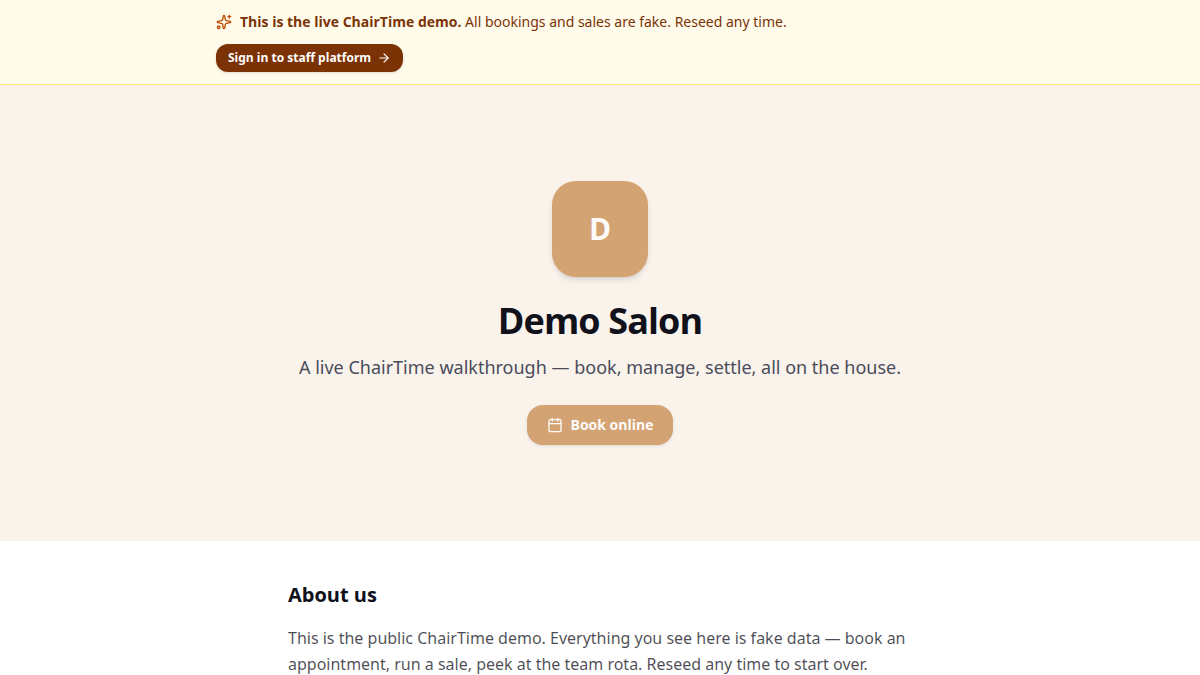
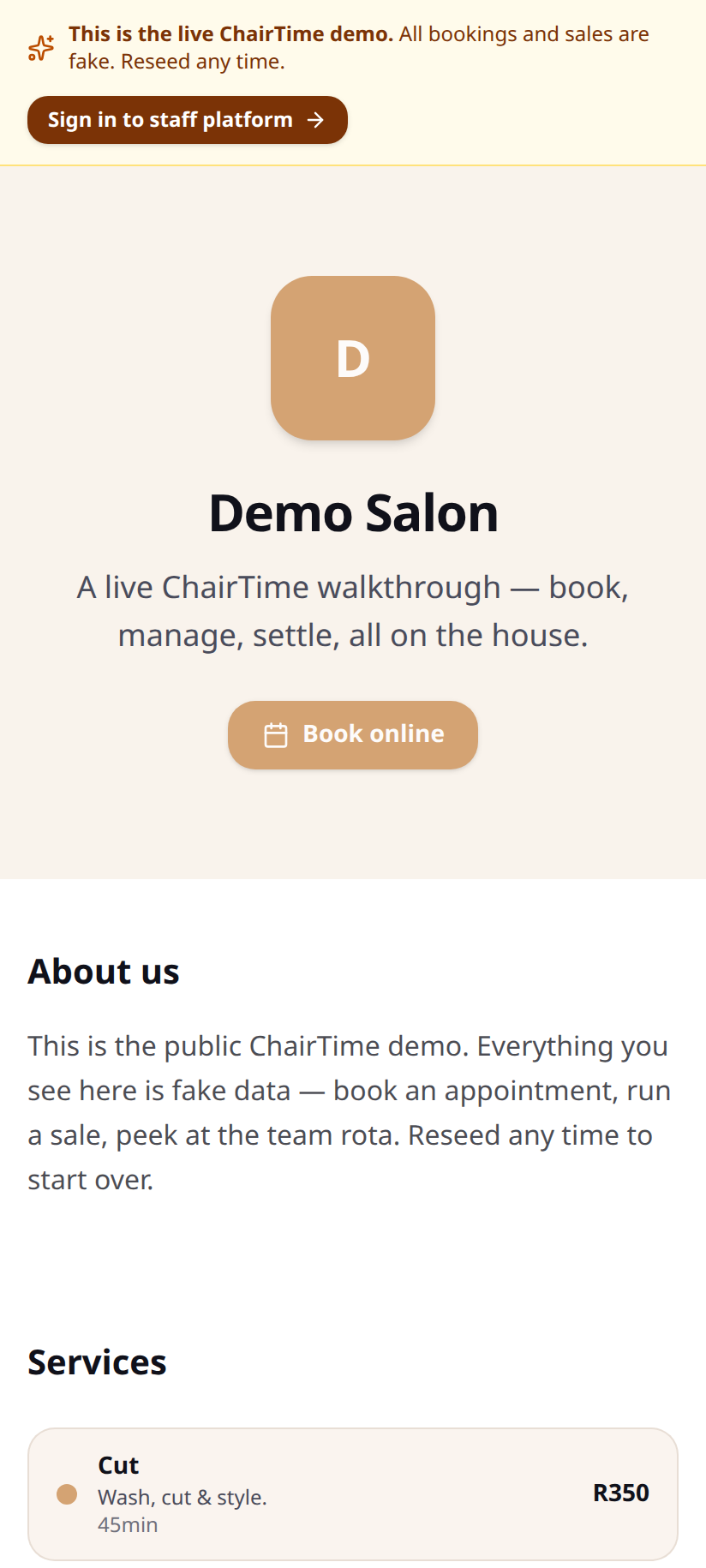
Toggle online booking on or off in Setup → Booking. While it’s off, the storefront still shows your services but the booking button is hidden.
What happens next
Section titled “What happens next”- The booking is Pending (yellow) until you confirm it, then Confirmed (blue).
- It appears on the board at the chosen time.
- The client gets an email confirmation.
- On Pro and above, automated 24h and 1h reminder emails go out so you cut no-shows.